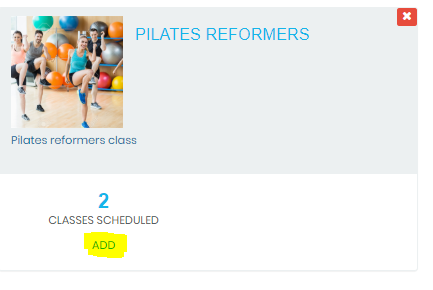
Find the class you want to schedule and click the ADD button
Set the time, duration and days that this class runs.
Enter the room, class capacity for bookings and select an instructor.
These fields are self-explanatory. If you set a booking cut off time it restricts app users from booking in within the time specified. You are able to over-ride this if booking through the PC.
The AddOn field is used for class restrictions. See ''SCHEDULE A RESTRICTED CLASS'' for more detailed information. Toggling the ''allow recurring'' button to yes will let members make a recurring booking into the future.
If this is a virtual class you can embed the link here. This is only visible to App users that book in.
If the app user has missed the class the On Demand link becomes visible (where one exists).






Comments
0 comments
Please sign in to leave a comment.