
BOOKINGS >> Group Fitness Class and click the ADD button
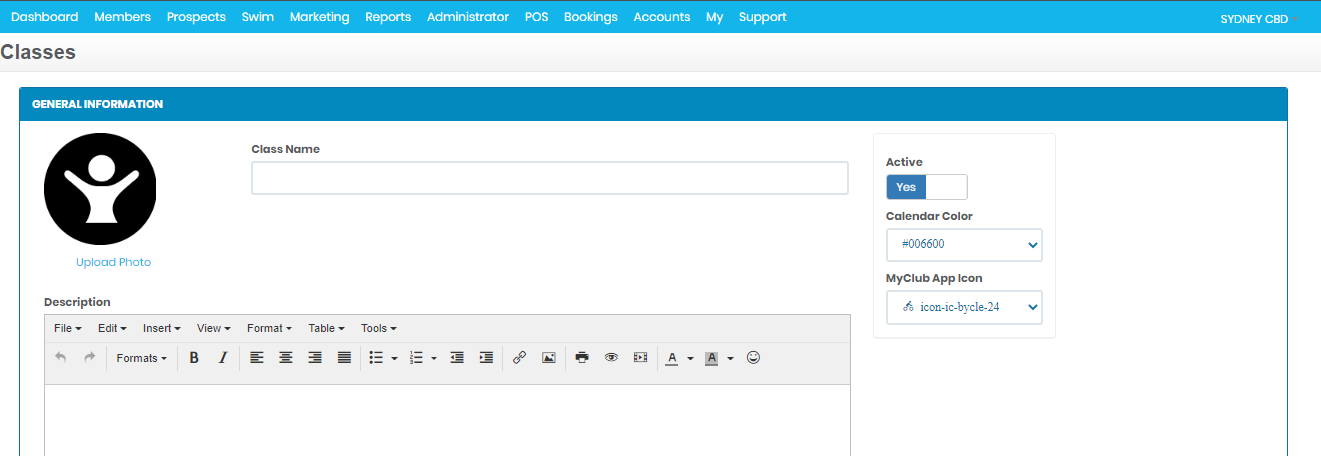
- Upload your own photo if you prefer. This will be visible to your App users.
- Give the class a name.
- Choose a calendar colour and an icon. This will be displayed on your timetable.
- Enter a description of the class.
Click SAVE button or SAVE AND SCHEDULE
Comments
0 comments
Please sign in to leave a comment.