Subscriptions - Hide them from certain Membership Types online
Follow
There might be certain circumstances where you do not want to give a particular membership type the opportunity to purchase subscriptions.
This can be achieved at the bottom of the Membership Type screen.
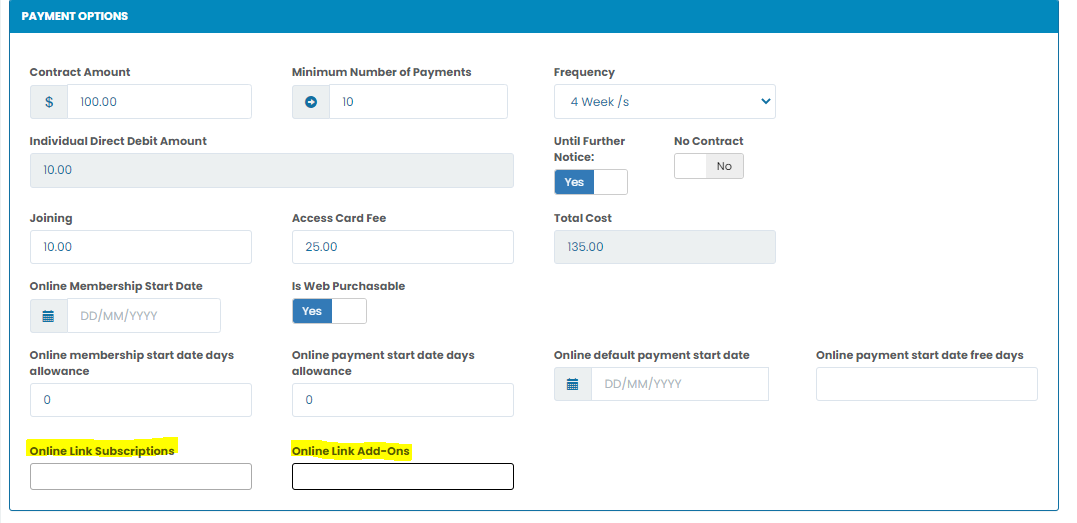
Click in to the field and choose ''Hide Subscriptions''. Scroll down to the bottom of the page and Save.


Comments
0 comments
Please sign in to leave a comment.