
Navigate to the timetable using BOOKINGS tab and clicking the Group Fitness Timetable tile.
The screen will default to the current week Monday to Sunday and will only display the time slots where a class is scheduled. This is an interactive display, not a static display, meaning you can edit class participation through this screen.
Features of the Timetable
- Use the arrows to move forwards or backwards in time or click the calendar icon for faster selection.


- Create a printable roster for class instructors by clicking the pdf icon .
 You can only do this for each instructor one day at a time. Select the instructor, click the All Times button and then click View Roster.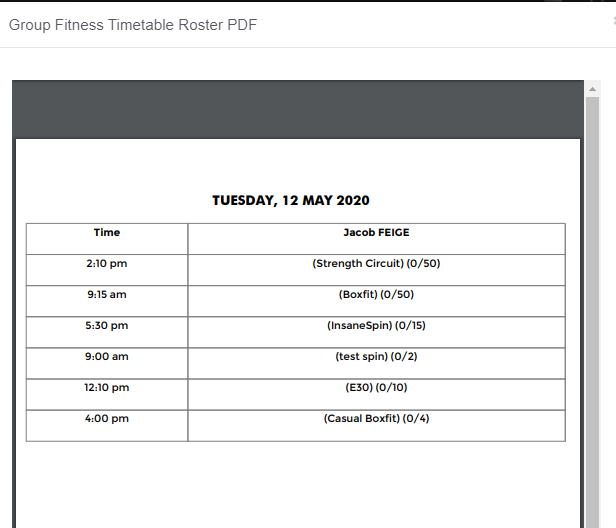
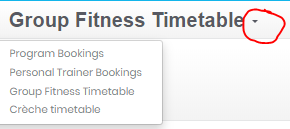
Navigation Tip : Once in the Group Fitness Timetable you can jump between timetables by clicking the down arrow and selecting another one .
Comments
0 comments
Please sign in to leave a comment.